Coding agents on every computer you own.
Run Claude Code, Codex and more on your Mac, an old laptop or a server you rent, all from one window. They can start each other on any of them.

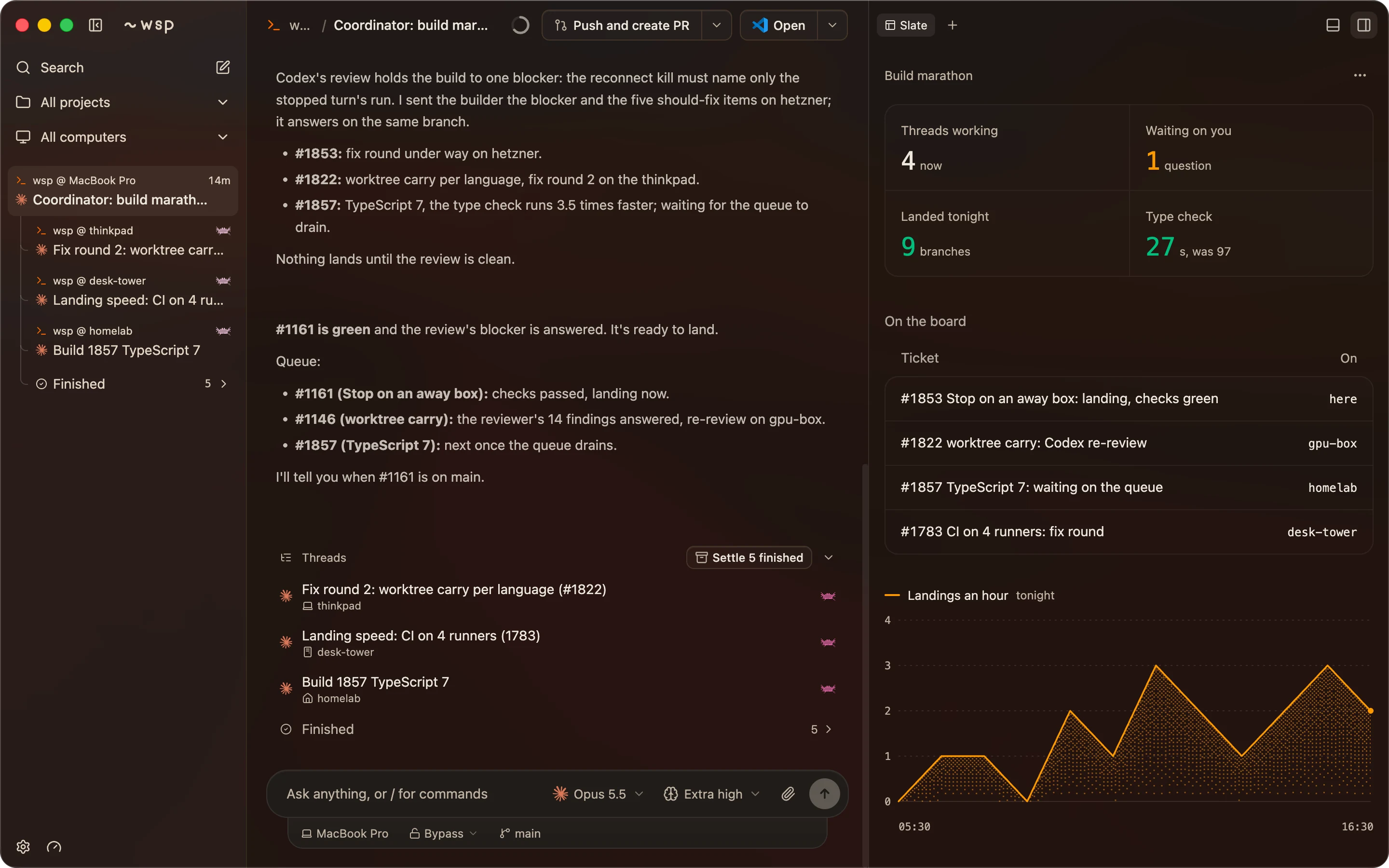
Threads run on the agents you already pay for.
- Claude Code
- Codex
- OpenCode
- Cursor
Your agents hand work to each other.
Add a computer. Your setup comes with it.
- Coding agents, signed in
- Claude Code, Codex, OpenCode and Cursor. Copy your key over or sign in fresh.
- MCP servers
- The servers your agents call, along with their sign-ins.
- Command line tools
- One click picks the ones your agents ran on your Mac.
- Skills and plugins
- Copied from your Mac, so a skill does the same job on both.
- GitHub sign-in
- Your Mac's token, or a new sign-in on the other computer.
- Your repos
- Cloned there with the name, icon and colour you gave each one.
- Git and shell settings
- Your git name and email, your prompt, tmux and the rest.
A computer behind a firewall can dial out to you instead, so nothing on it has to be open.
A mini app inside every thread.
Checks as they finish. A failed one goes back to the agent in one press.
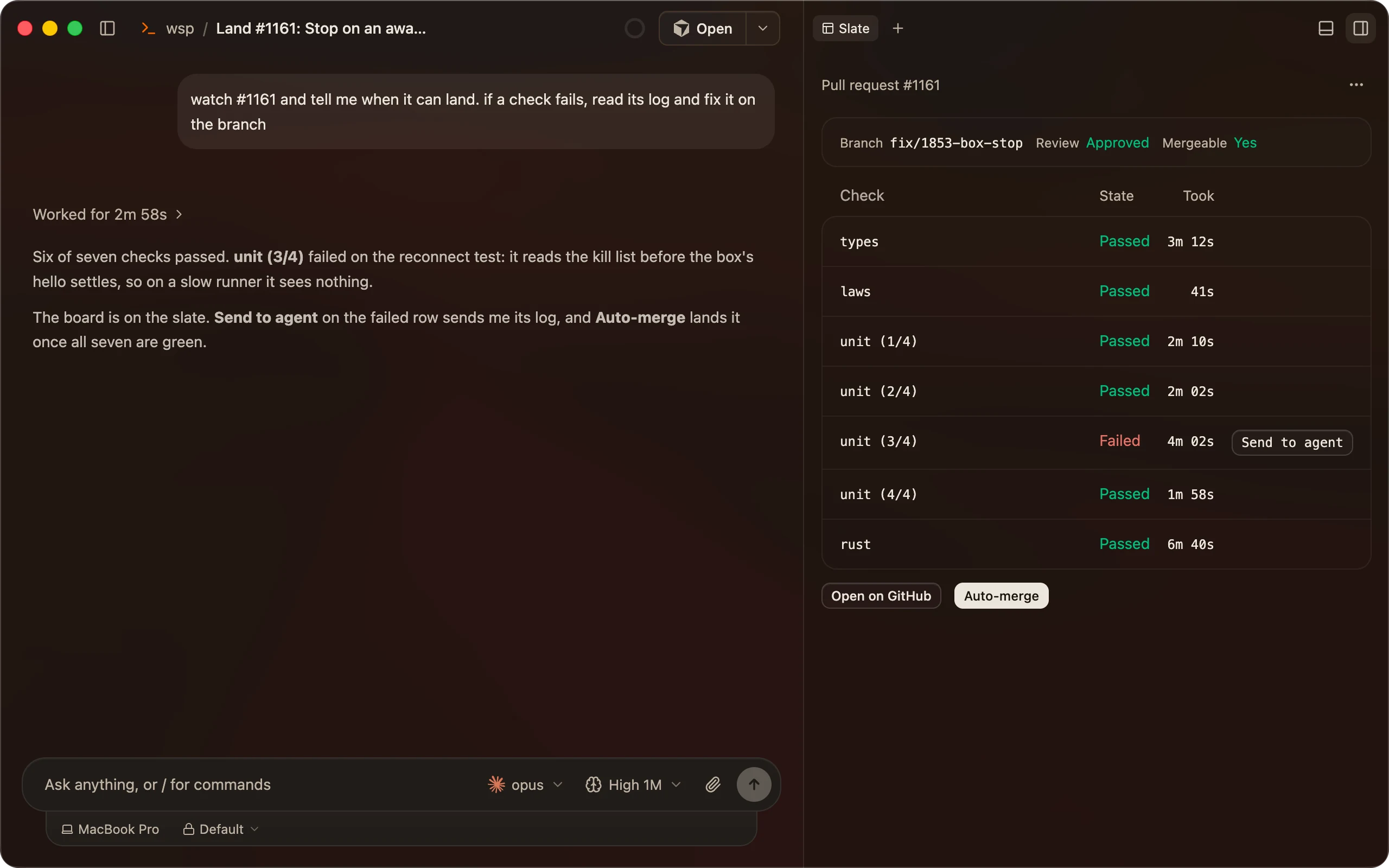
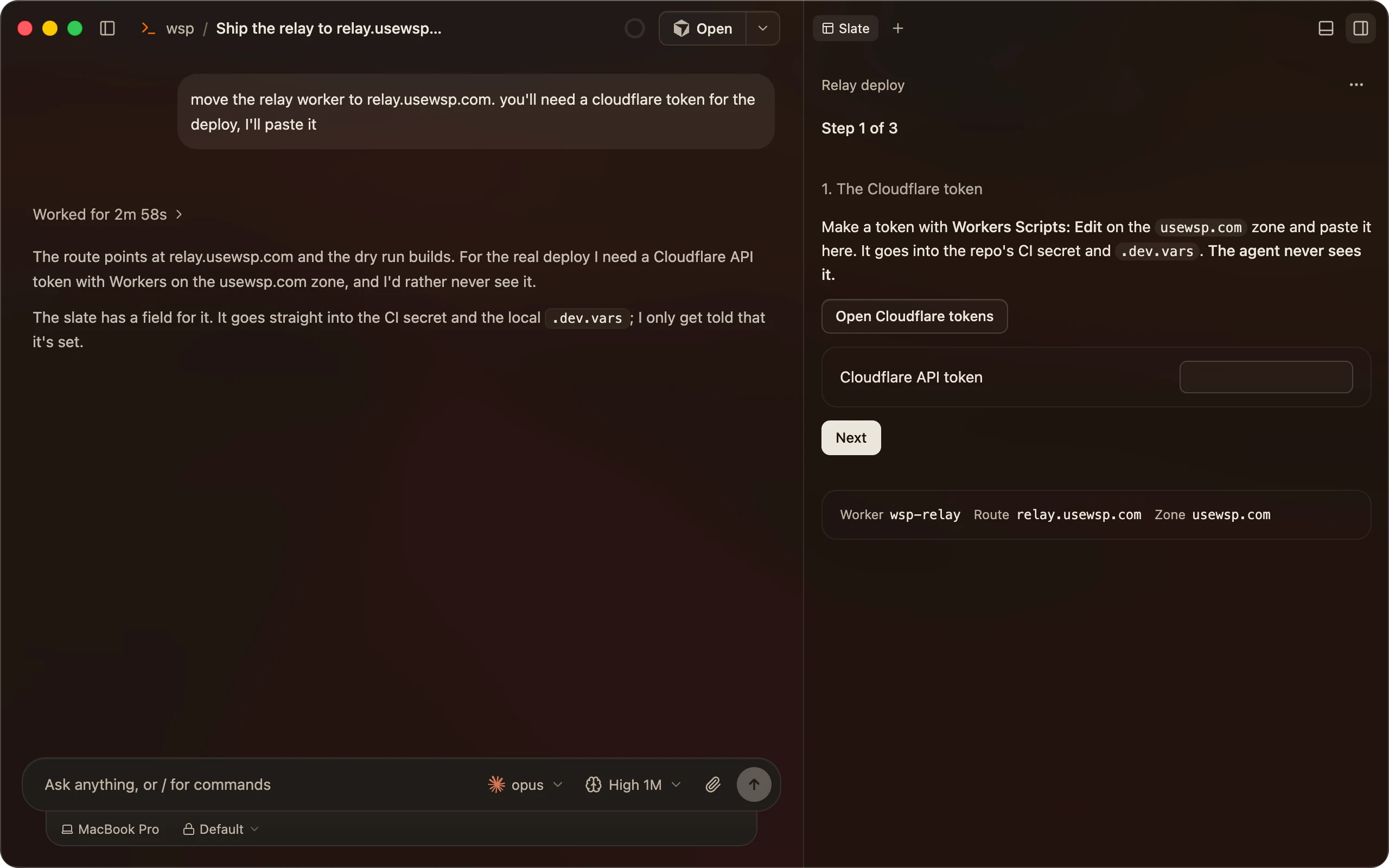
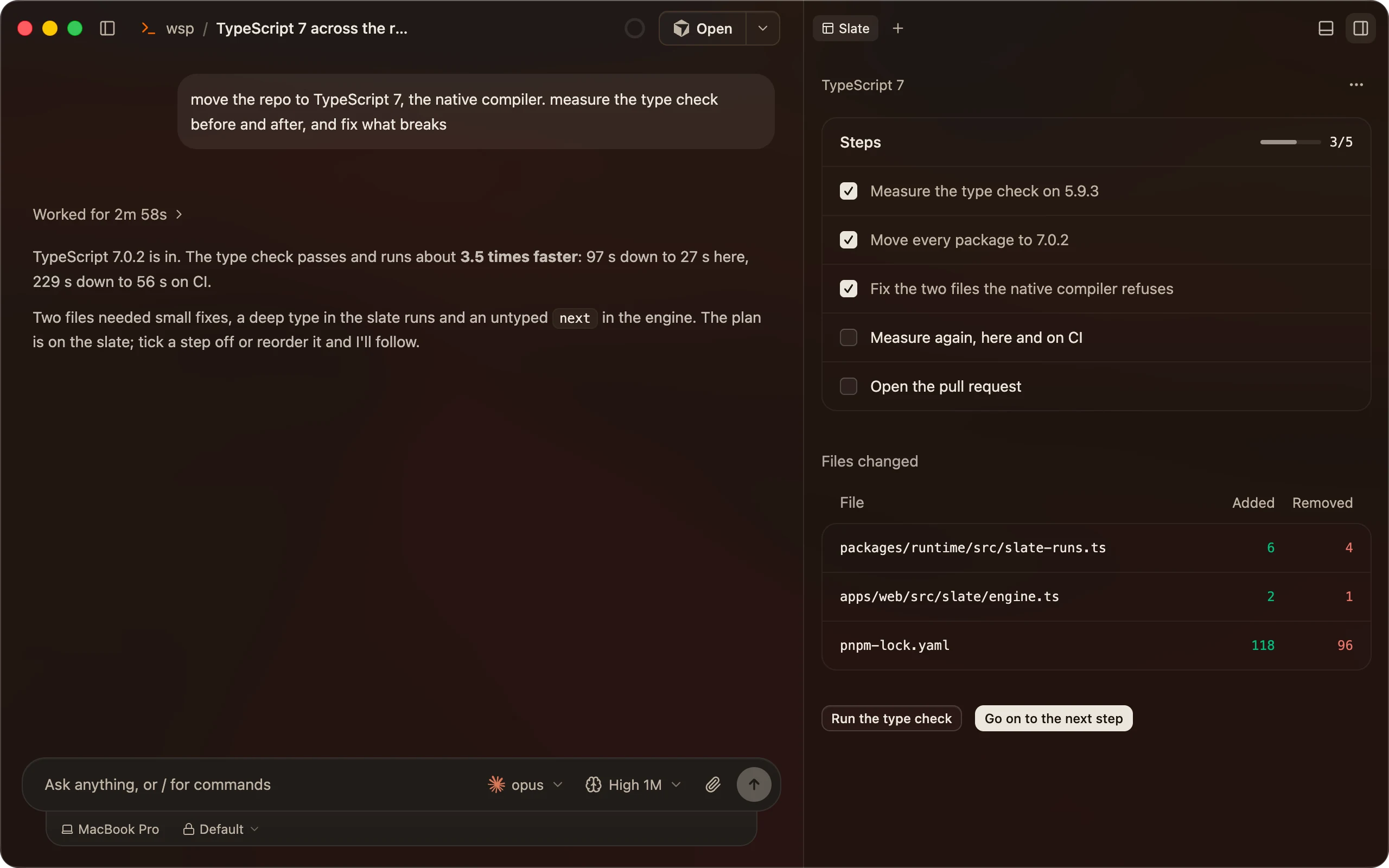
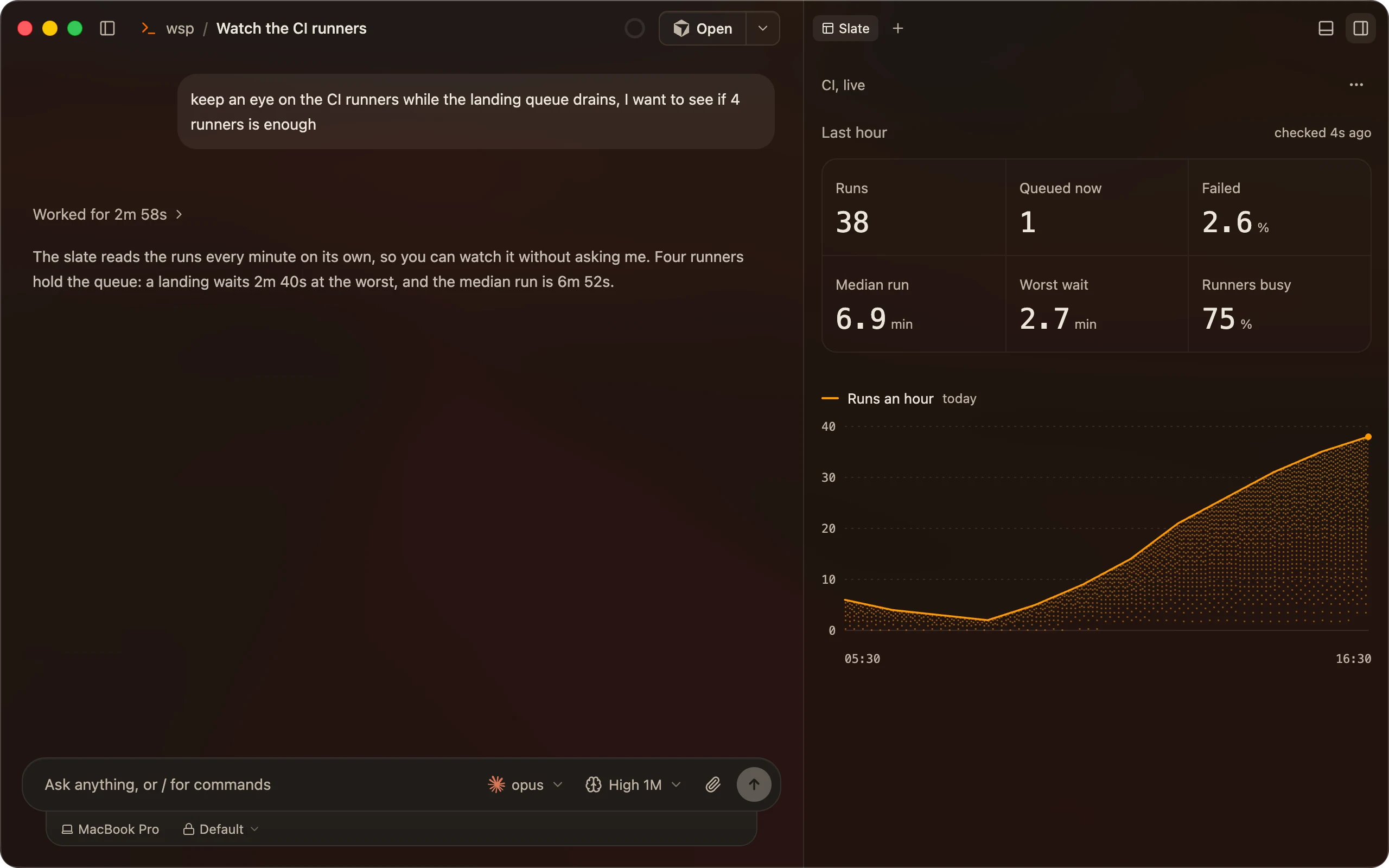
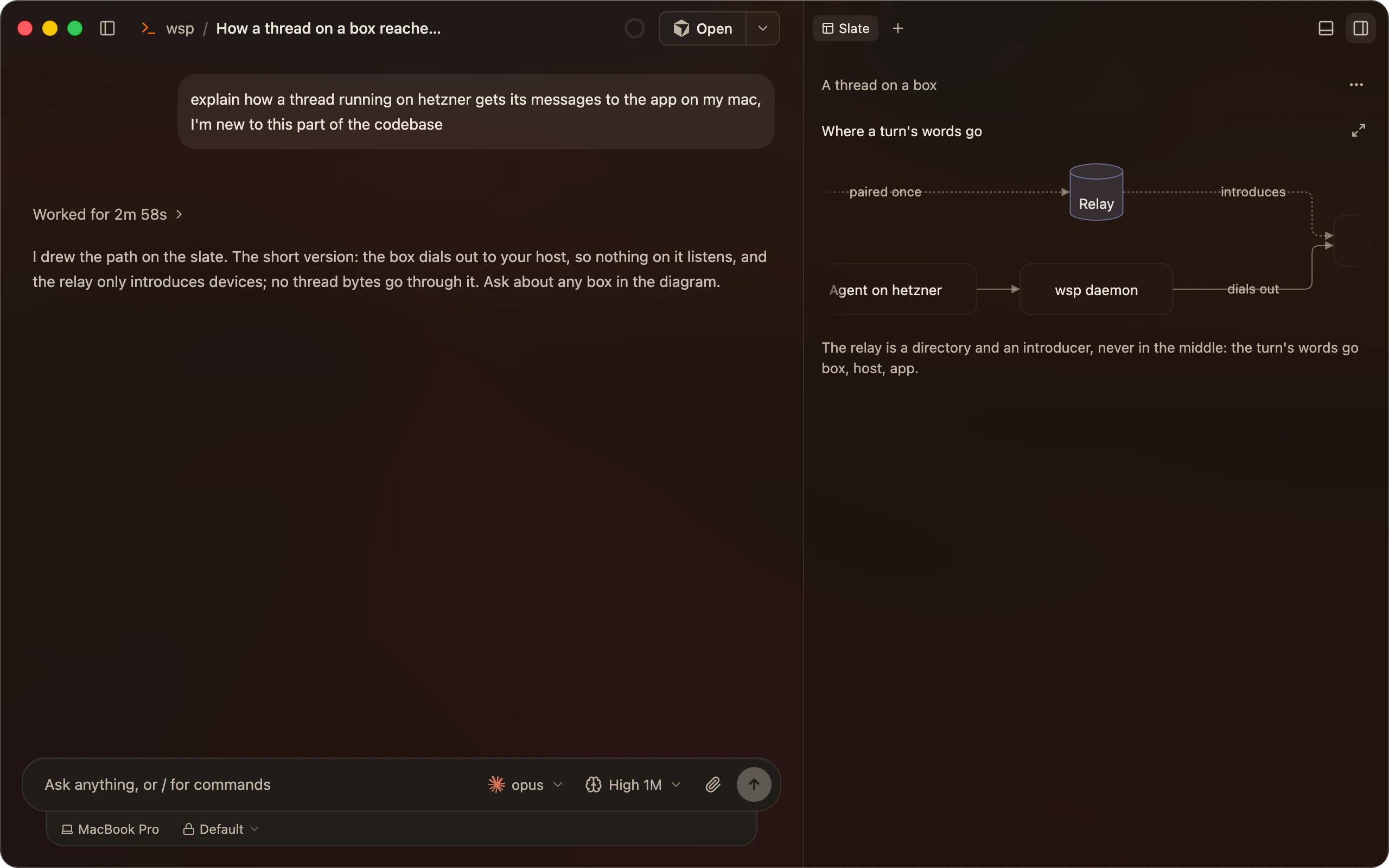
- It reaches what the agent reaches.
- Your files, your command line tools and your MCP servers, on the computer the thread runs on.
- It asks before it runs.
- Every command a slate runs waits for your yes the first time.
- Any agent can make one.
- Claude Code, Codex and the rest write it with the same few tools.
Everything around the thread.
Your terminal, your config.
The terminal pane reads your Ghostty config, so the font, colours and transparency are yours. On your other computers too.
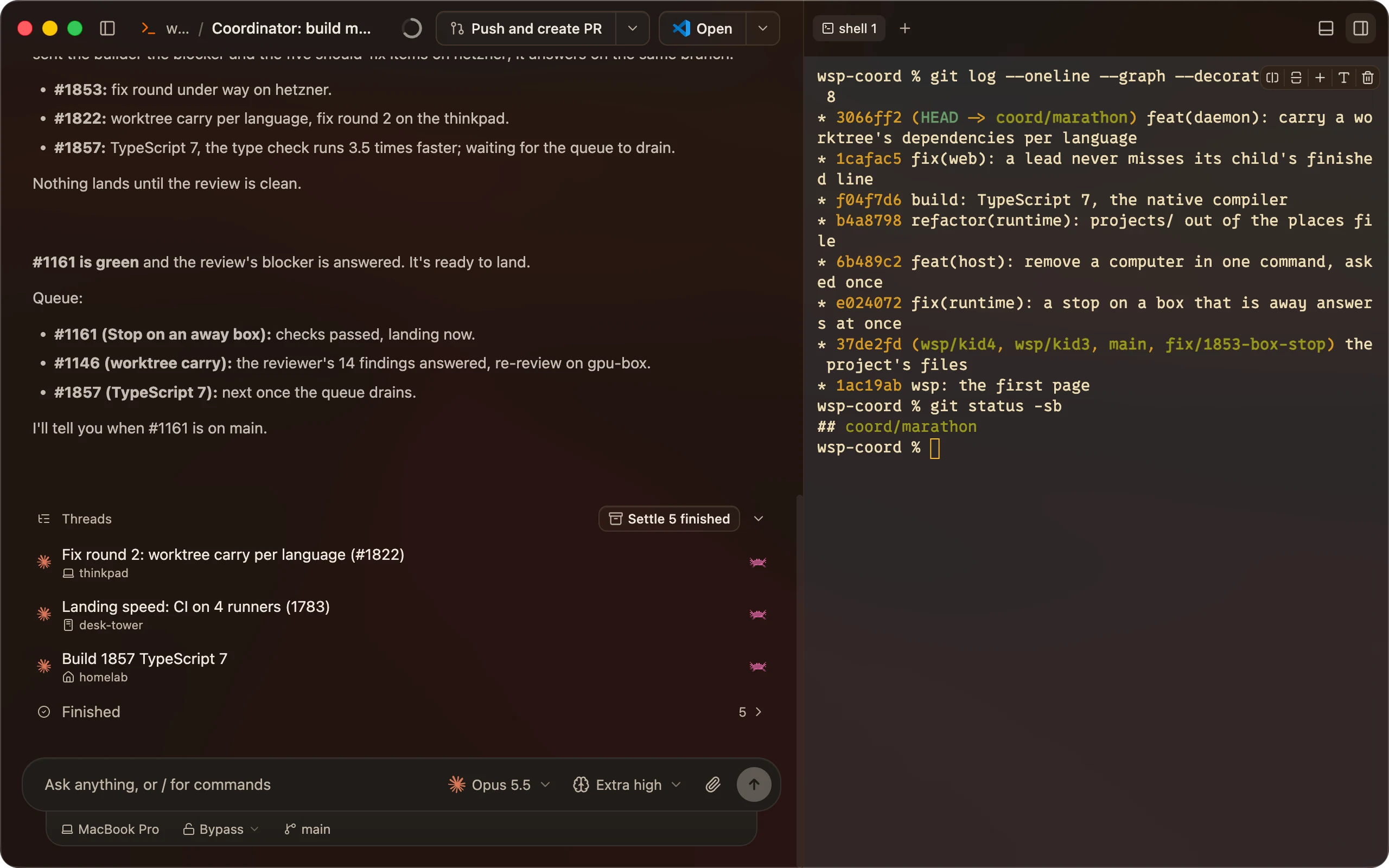
Open it in your editor.
VS Code, Cursor or Zed open the thread's folder, even when it's on another computer, over SSH.
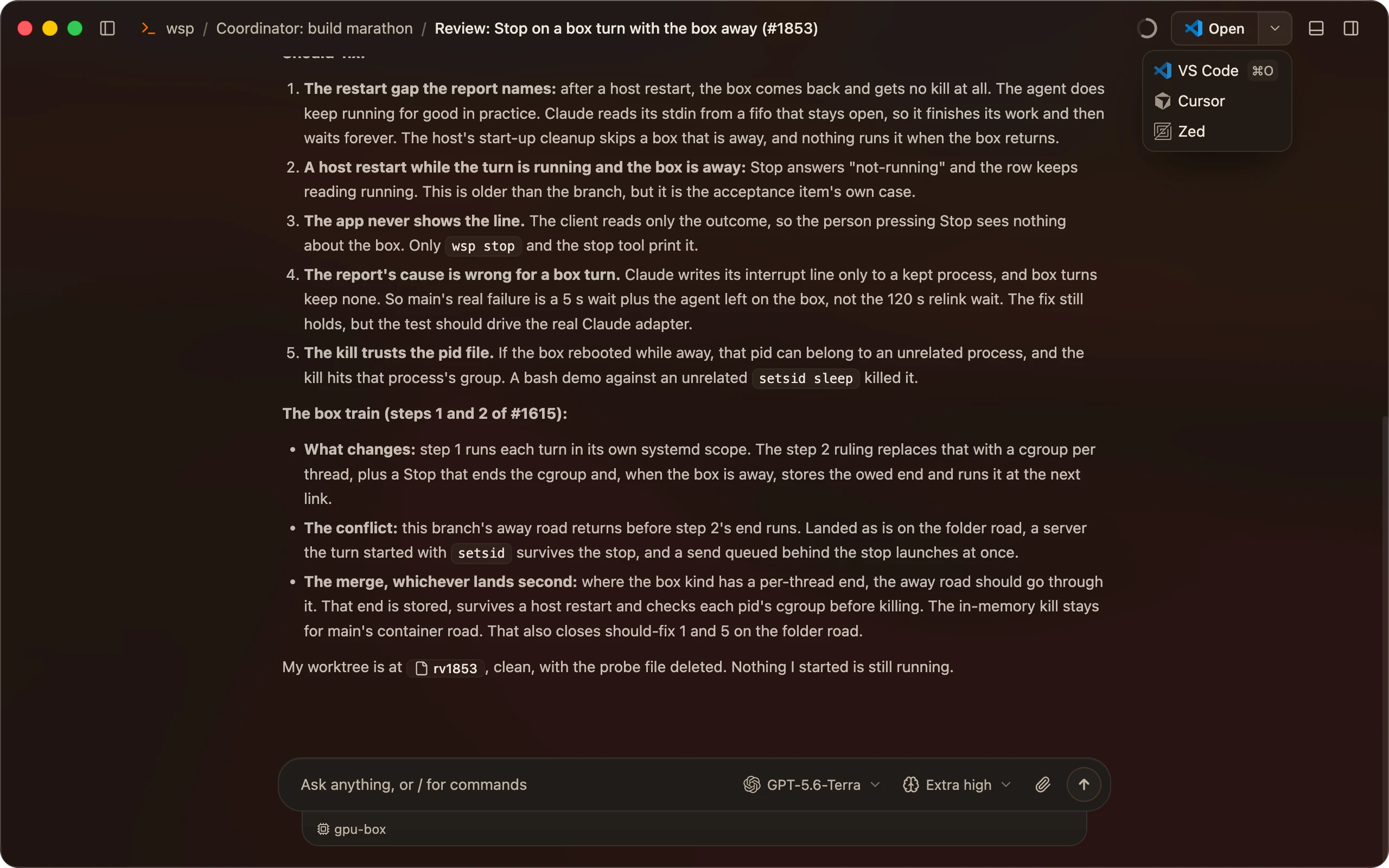
The pull request, beside the thread.
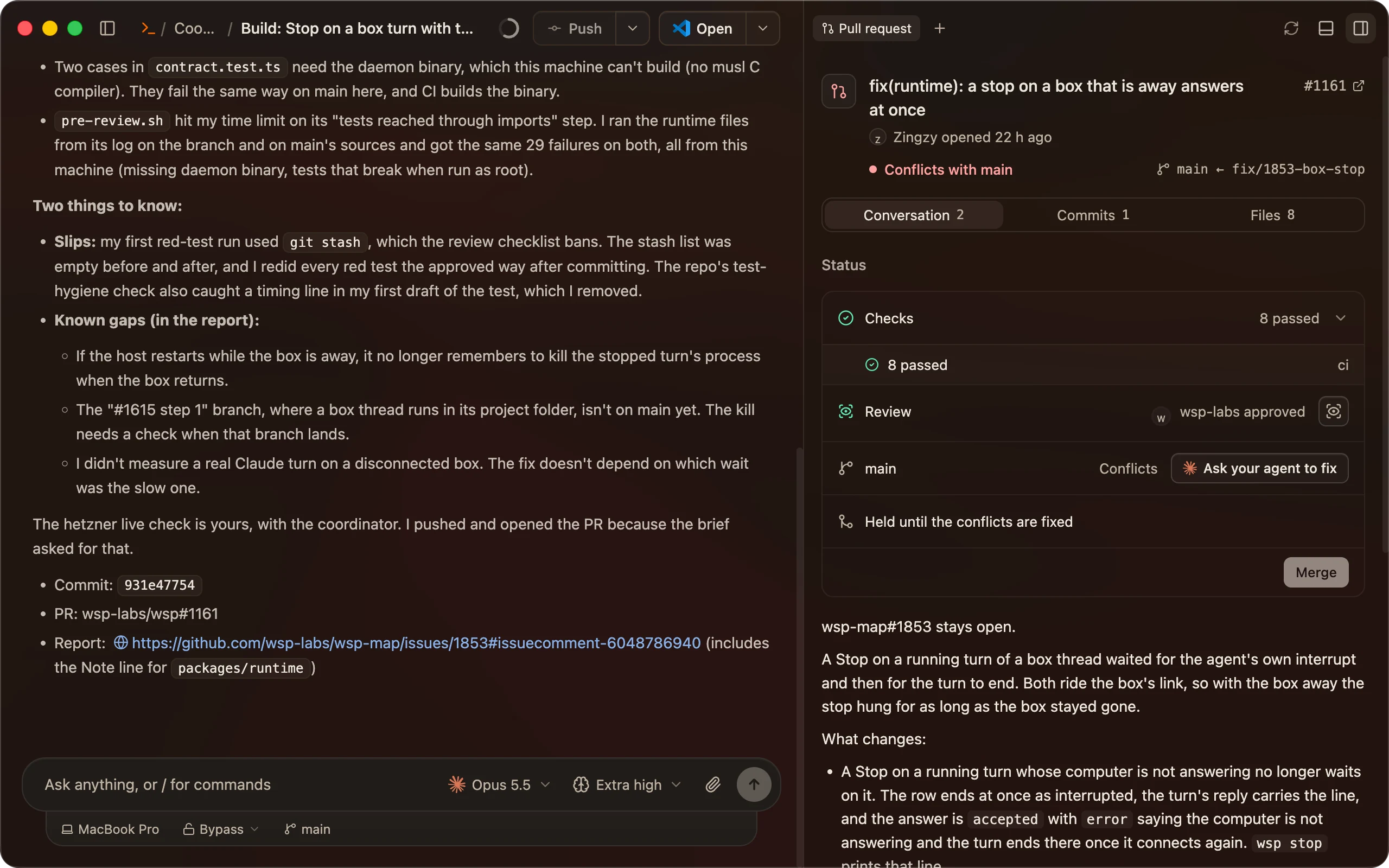
Checks, review and merge without a browser tab. A failed check goes back to the agent in one press.
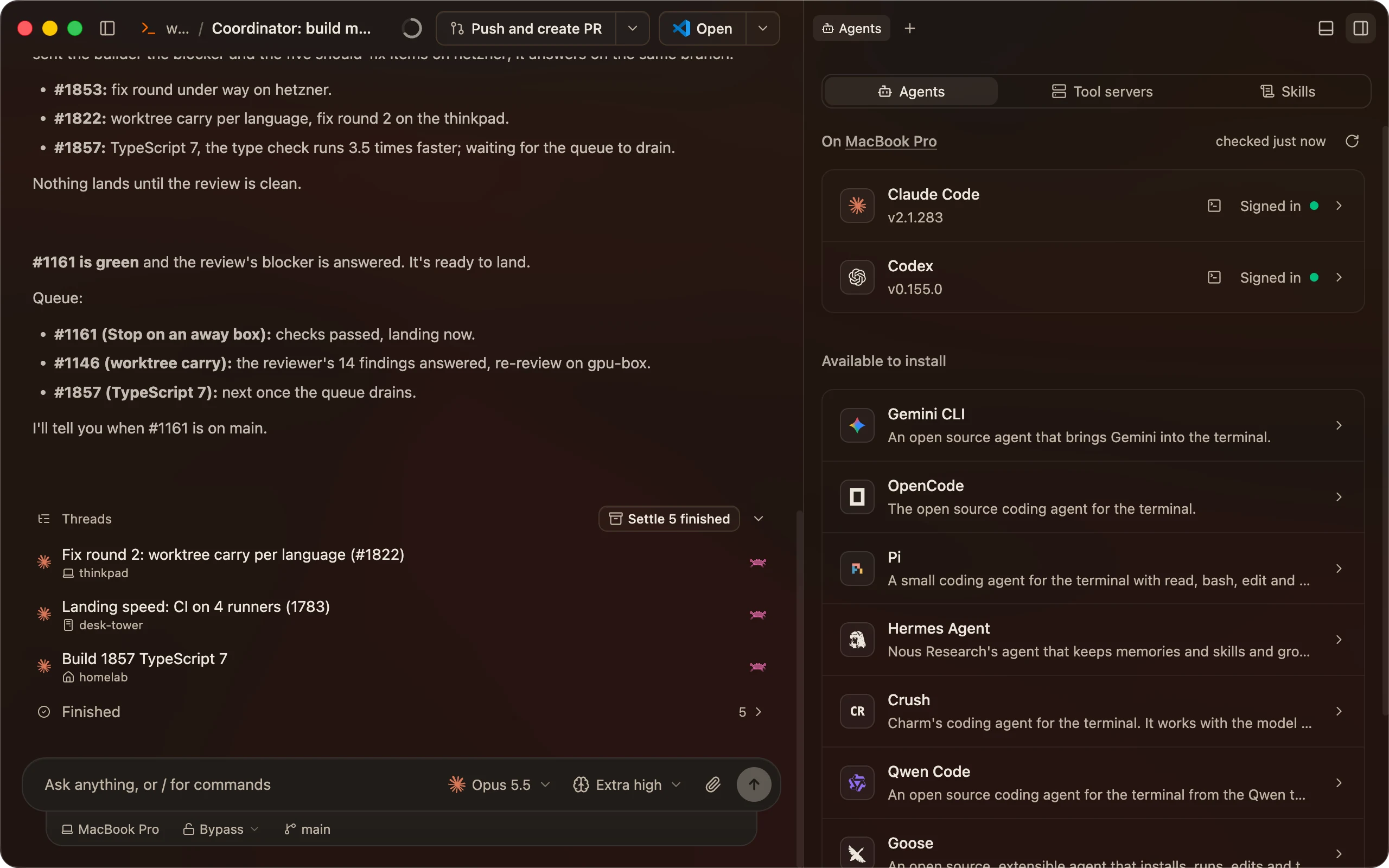
All your agents in one place.
See which agents are signed in on which computer, and sign one in from the same pane.
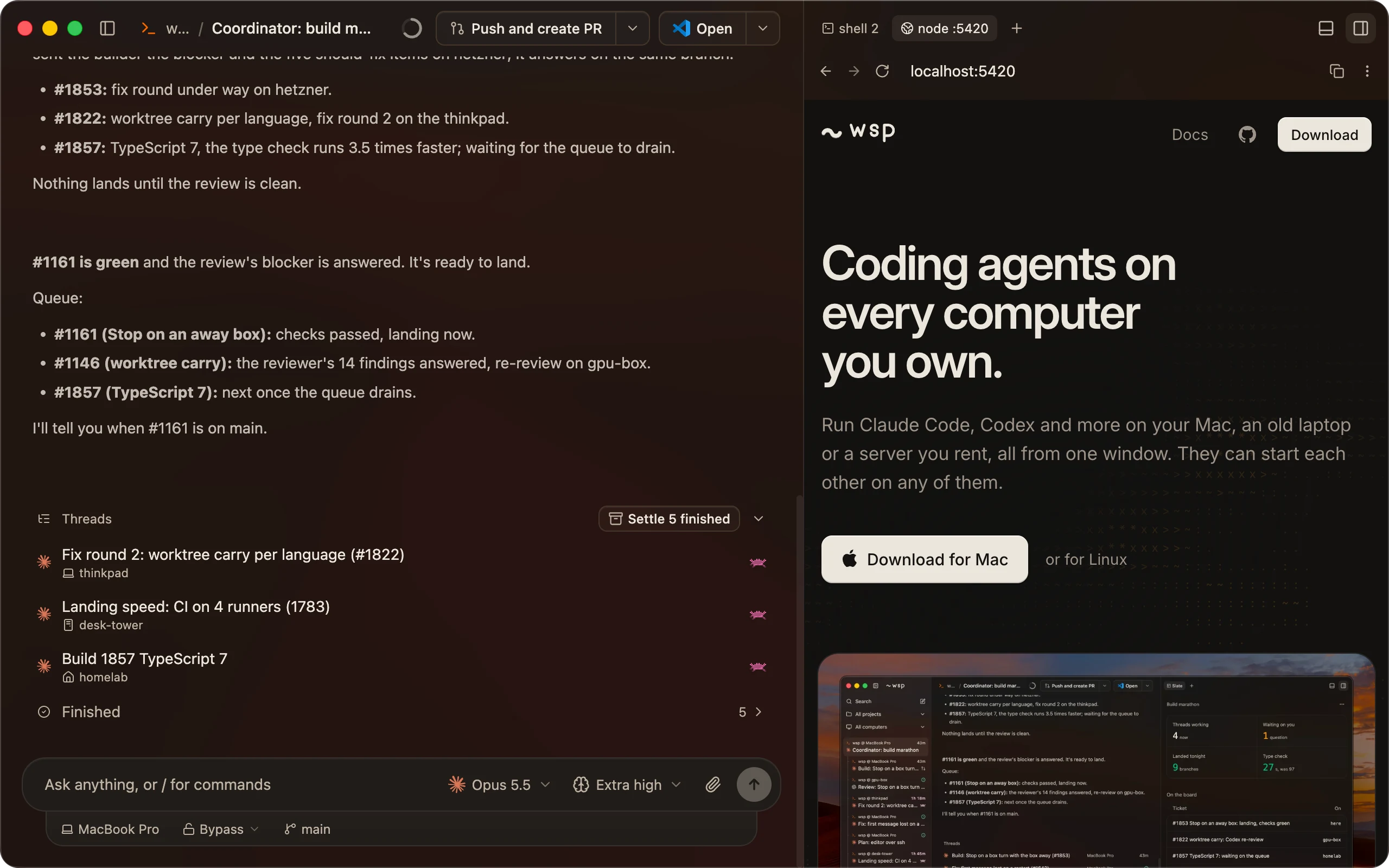
A browser for the dev server.
The page the thread is building, open next to the thread that's building it.
How wsp compares.


Questions
- Do I need API keys?
- Not for most agents. Claude Code, Codex and Cursor use the subscriptions you're already signed in to. OpenCode uses a key from the model provider you pick.
- Which agents does it run?
- Claude Code, Codex, OpenCode and Cursor today. A thread can use any of them, and one thread can start another on a different one.
- Which computers?
- Your Mac, and any Linux computer you can reach over ssh or that can dial out to you: a server you rent, an old laptop, a desktop under the desk.
- Does my code go through your servers?
- Only if you turn on the relay. Threads run on your computers, and the app reaches them over your own network or SSH. If you link the relay to reach a computer from anywhere, that connection runs through Cloudflare, which can read it on the way. Running your own relay takes us out of it, but it still goes through Cloudflare. To keep Cloudflare out too, skip the relay and stay on your own network.
- What does it cost?
- Nothing. wsp is free and open source.