Install on a Mac
wsp is one app for every Mac, with Apple silicon or an Intel chip. The app also gives you the wsp command line.
Install with one line
-
Open Terminal.
-
Run the install line. Do not put
sudoin front of it.curl -fsSL https://usewsp.com/install | sh -
Open a new terminal window, and run
wsp --version. It printswspand the version that you installed.
The line downloads the latest release from GitHub, checks its sha256 and signature, puts wsp.app in /Applications, and opens it. It also adds the wsp command to your PATH, which is why the new window can find it.
If wsp is open when you run the line, the line quits wsp first.
Install from the download
- Download wsp-mac.dmg.
- Open the file, and drag wsp to the Applications folder.
- Open wsp from the Applications folder.
The app writes the wsp command at ~/.wsp/bin/wsp each time it opens. The download does not change your PATH. To run wsp by name, add ~/.wsp/bin to your PATH yourself, or run the install line once.
What happens when wsp opens
When the app opens for the first time, it installs the host. The host is the process that keeps your projects and threads and serves the app and the command line.
The host runs as a launchd agent at ~/Library/LaunchAgents/com.wsp.host.<tag>.plist. launchd starts it now and again at every login. If the host stops, launchd starts it again. When you quit the app, it asks if your threads keep running or if wsp stops too. To change that answer, go to Settings, then General, then When you quit.
wsp keeps its state in ~/.wsp/state.json. The host writes its log to ~/.wsp/host.log.
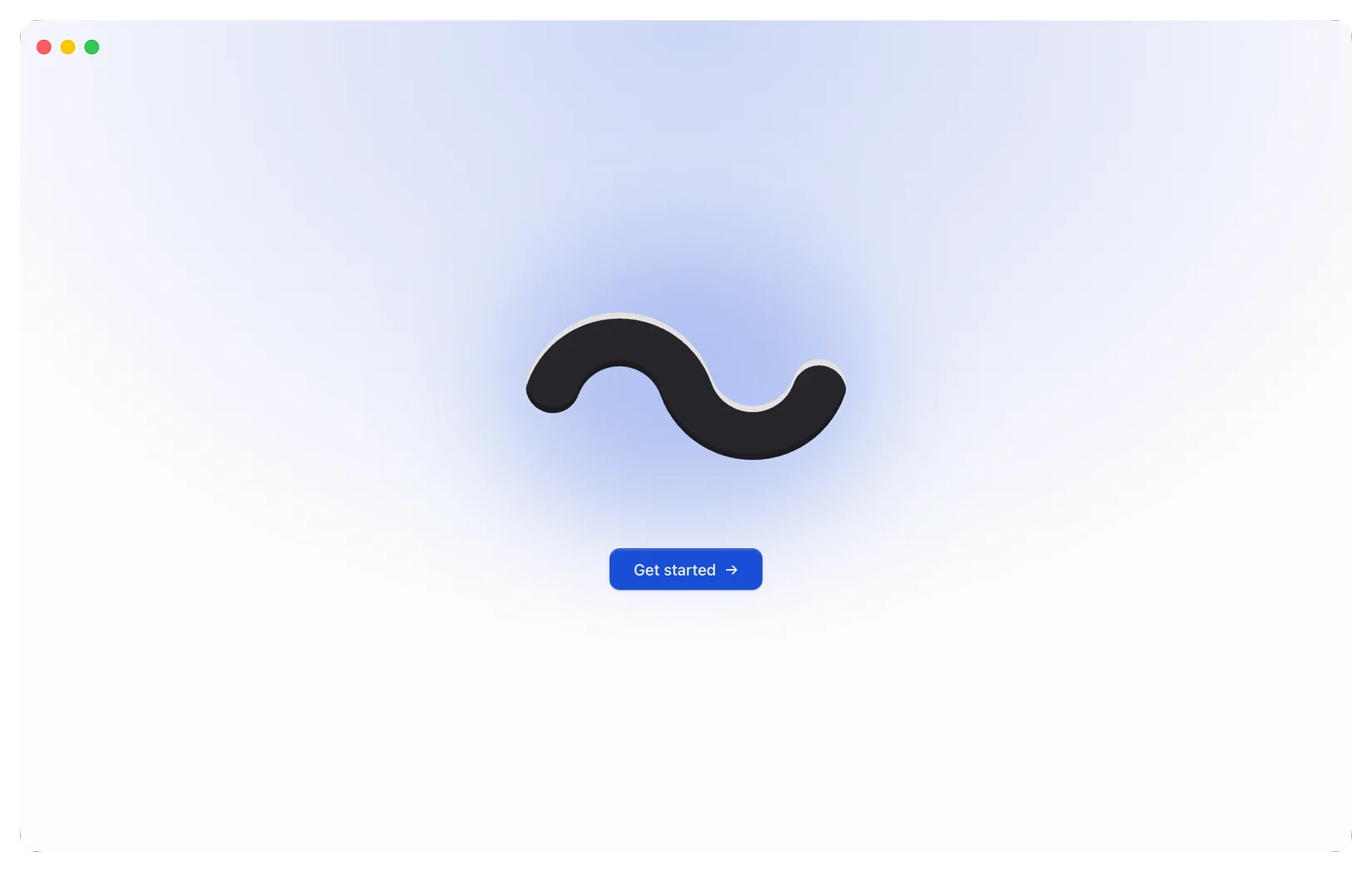
The first window has one Get started button. Select it, and then go to the next page, Your first thread.
The first window also says that wsp sends anonymous usage counts to PostHog. To turn the counts off, select Privacy settings.
Install a given version or update
- To install one release instead of the latest, set
WSP_VERSIONfor theshthat runs the line. For example:curl -fsSL https://usewsp.com/install | WSP_VERSION=1.2.3 sh. - To move to the latest release, run the install line again. It replaces the app where it is and restarts the host on the new version.
