Projects and worktrees
A project is a repository or a folder on one of your computers. Threads run in a project's folder. One project lives on one computer: the same repository on two computers is two projects in the sidebar, and each names its own computer.
Several threads can work in one project folder at the same time, the way several terminal panes share one folder. To give a thread a folder of its own, run it on a branch in a worktree.
Add a project
In the app, open Settings > Projects and click Add a project. Search your repositories or type a path, then click Add. To clone a repository, give its address and pick an empty folder, such as ~/code/lab.
From a terminal, wsp add takes a folder, a repository address, or owner/repo:
wsp add ~/code/lab
wsp add acme/lab --into ~/code/lab
wsp add https://github.com/acme/lab --on studio
| Flag | What it does |
|---|---|
--into <folder> | Clones the repository into this folder on the computer the app runs on. The folder must be absent or empty. The project is then that folder. |
--on <computer> | Makes the project on another of your computers, which clones the repository there. For a folder, that computer clones the folder's origin remote. |
--name <name> | Names the project. Without it, the project takes the last word of the folder or the repository. |
--base <branch> | The project's base branch. Without it, the remote's default branch at the clone. |
wsp refuses --into with a folder, since a folder is a project where it already is. It also refuses --into with --on naming another computer, since --into is a folder on the computer the app runs on. wsp refuses to add the same source twice on one computer.
When you add a folder with --on, wsp first prints the git-ignored files that go with the folder, such as .env. It sends nothing yet. Run the line again with --yes to send them. --keep <path> adds a path, and --cut <path> leaves one out. --no-memory leaves the folder's Claude Code memory behind. --no-commits leaves behind the commits the remote does not have. See what an imported project carries.
wsp projects lists every project with its computer, its source, its path, its base branch and its threads. wsp projects set <project> sets what a new thread there starts on: its agent, model, effort and access, and a command to run in each new worktree. wsp projects remove <project> takes the project out of wsp and leaves its folder where it is.
Run a thread on a branch
wsp run --branch runs a thread on a branch other than the one the project folder has checked out:
wsp run lab --branch fix/login "Fix the flaky login test."
If git already has that branch checked out in a worktree, the thread runs there, wherever the worktree is. If not, wsp makes a worktree under its own folder:
- A branch that exists is checked out as it stands.
- A new branch starts from the project folder's current commit.
To make a worktree without a thread, run wsp worktree <project> <branch>. It prints the worktree's path.
--branch and wsp worktree take only a project on the computer the app runs on, because wsp makes worktrees there. For a project on another computer, wsp refuses with "--branch takes a project on this computer, where wsp makes worktrees".
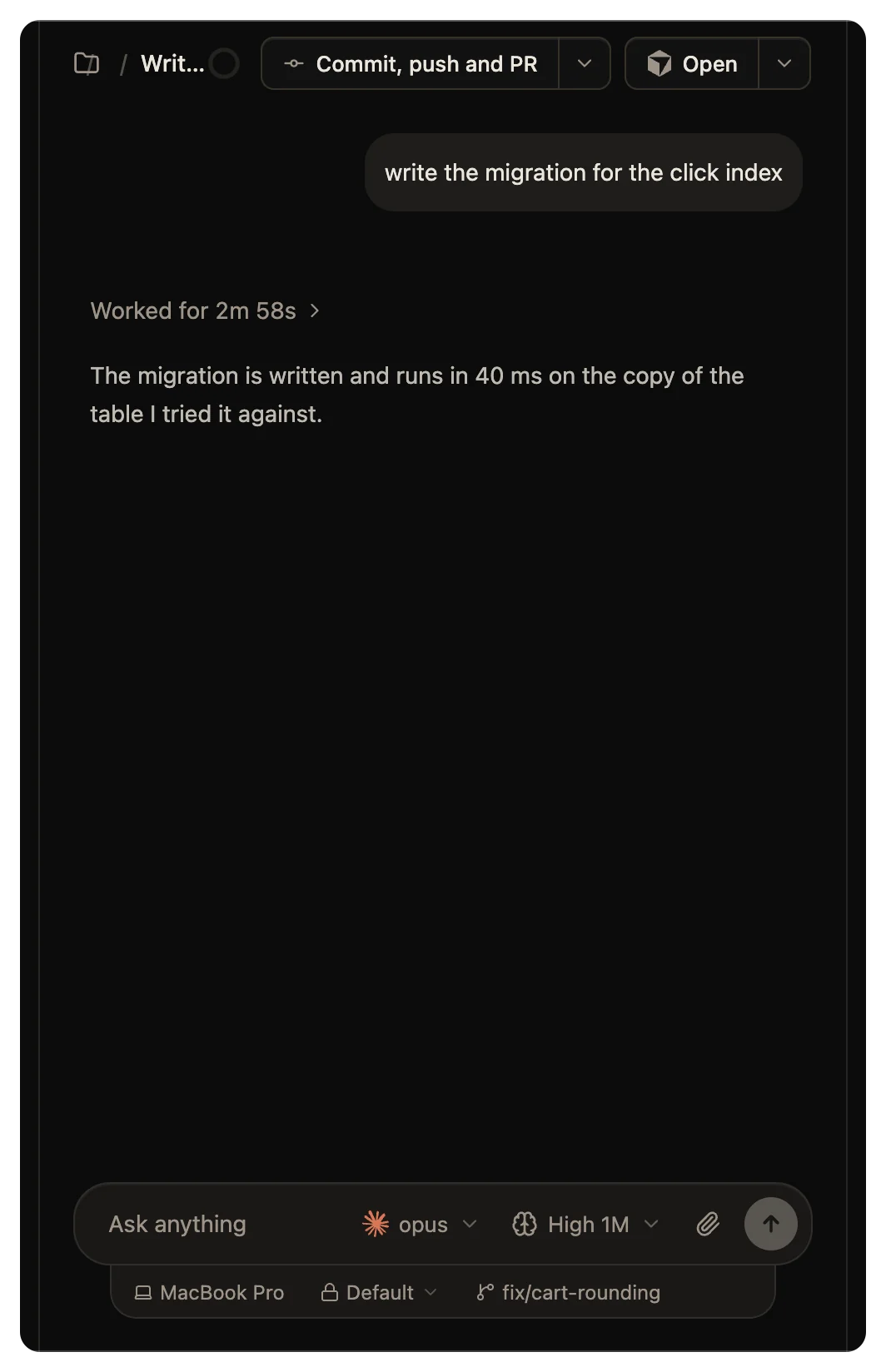
The app has no branch picker. The row under the composer shows the folder's branch, and nothing there switches it. To work on another branch from the app, check it out in the terminal, or start the thread with wsp run --branch.
Where a worktree goes
wsp puts its worktrees in ~/.wsp/worktrees/<project id>/<branch>. If the project folder is on another disk, the worktree goes in .wsp/worktrees/ at the top of that disk instead.
In the folder name, each character of the branch that is not a letter, a digit, ., _ or - becomes -. If that name is taken, wsp adds -2, -3 and so on.
What a new worktree carries
A new worktree starts with your git-ignored local files from the project folder: .env, .env.*, .envrc, .npmrc, *.local and *.local.*. .env.example and .env.sample stay out, and so does any file over 1 MiB.
Then wsp reads the lockfiles the branch tracks. It acts on a lockfile only where the project folder has that ecosystem's dependency or build folder beside it. For uv, Poetry, Cargo and Go, it acts on a lockfile at the top of the project. So a lockfile that a test fixture tracks costs nothing. For each lockfile, it carries in the dependency folders that hold no path. It never carries a folder that holds the path it was built at. Then it runs the ecosystem's locked install once, in the folder that holds the lockfile:
| Ecosystem | Lockfile | Carried in | Never carried | Install that runs |
|---|---|---|---|---|
npm | package-lock.json, npm-shrinkwrap.json | node_modules | .next, .turbo, .cache | npm install --no-save --prefer-offline --no-audit --no-fund |
pnpm | pnpm-lock.yaml | node_modules | .next, .turbo, .cache | pnpm install --frozen-lockfile --prefer-offline |
yarn | yarn.lock | node_modules, .yarn/cache, .yarn/unplugged | .next, .turbo, .cache | yarn install --frozen-lockfile |
bun | bun.lock, bun.lockb | node_modules | .next, .turbo, .cache | bun install --frozen-lockfile |
composer | composer.lock | vendor | None | composer install --no-interaction |
uv | uv.lock | None | .venv | uv sync --locked |
poetry | poetry.lock | None | .venv | poetry install --no-interaction |
cargo | Cargo.lock | None | target | cargo fetch --locked |
go | go.sum | None | None | go list -mod=readonly -deps -test ./... > /dev/null |
None of these installs rewrites a tracked lockfile. pnpm skips its install when the node_modules carried in came from the branch's own lockfile. Caches outside the project, such as Cargo's registry, Go's module cache and uv's cache, are shared as they stand.
wsp carries a folder in the fastest way the disk allows:
- On a Mac, one clone of the whole folder, which shares the disk blocks.
- On Linux, on a disk that shares blocks, a clone of each file.
- On other Linux disks, an overlay on a frozen copy of the folder.
- Where none of these works, a plain copy.
So an install you run later in the project folder never reaches a worktree that already exists.
After the installs, wsp runs the project's own command at the top of the worktree, if you set one with wsp projects set <project> --after-worktree "<command>". Each command has 3 minutes. If one fails, wsp reports it, and the thread starts anyway.
Remove a worktree
wsp removes a worktree it made by itself. It does so 6 hours after the branch's pull request is merged or closed, or after the branch is deleted on the remote. wsp keeps the worktree while a turn runs in it, or while git status there shows any changed or untracked file. So wsp does not delete uncommitted work. Files that git ignores, such as .env, do not keep a worktree, and go with it. If wsp cannot remove a worktree, it tries again for a week, and then leaves it for you.
To remove a worktree now, run:
wsp worktree remove lab fix/login
The branch stays. wsp refuses while a thread works in the worktree. If the worktree holds files that no commit has, wsp refuses unless you add --force, which deletes them. wsp never removes a worktree it did not make.
From the command line
wsp add, wsp projects, wsp projects set, wsp worktree and wsp worktree remove list every flag.
