Rewind
A rewind takes a thread back to one of its earlier replies. The turns after that reply leave the conversation. If you ask, the files go back to how they stood at that reply too.
Use a rewind when the agent went the wrong way and you want to try again from a point that was right.
How wsp keeps the files
After each turn, the daemon on the thread's computer saves a checkpoint of the thread's folder. A checkpoint holds every file in the working tree, the untracked files too, but not the files git ignores. It is a git ref, so the folder must be a git repository. wsp keeps the last 100 checkpoints for each thread.
A checkpoint never moves your branch, your index or HEAD. A rewind writes the files back. It makes no commit.
Rewind a thread
- Make sure that the thread is not working. If a turn runs, stop it first. A rewind never stops a turn for you.
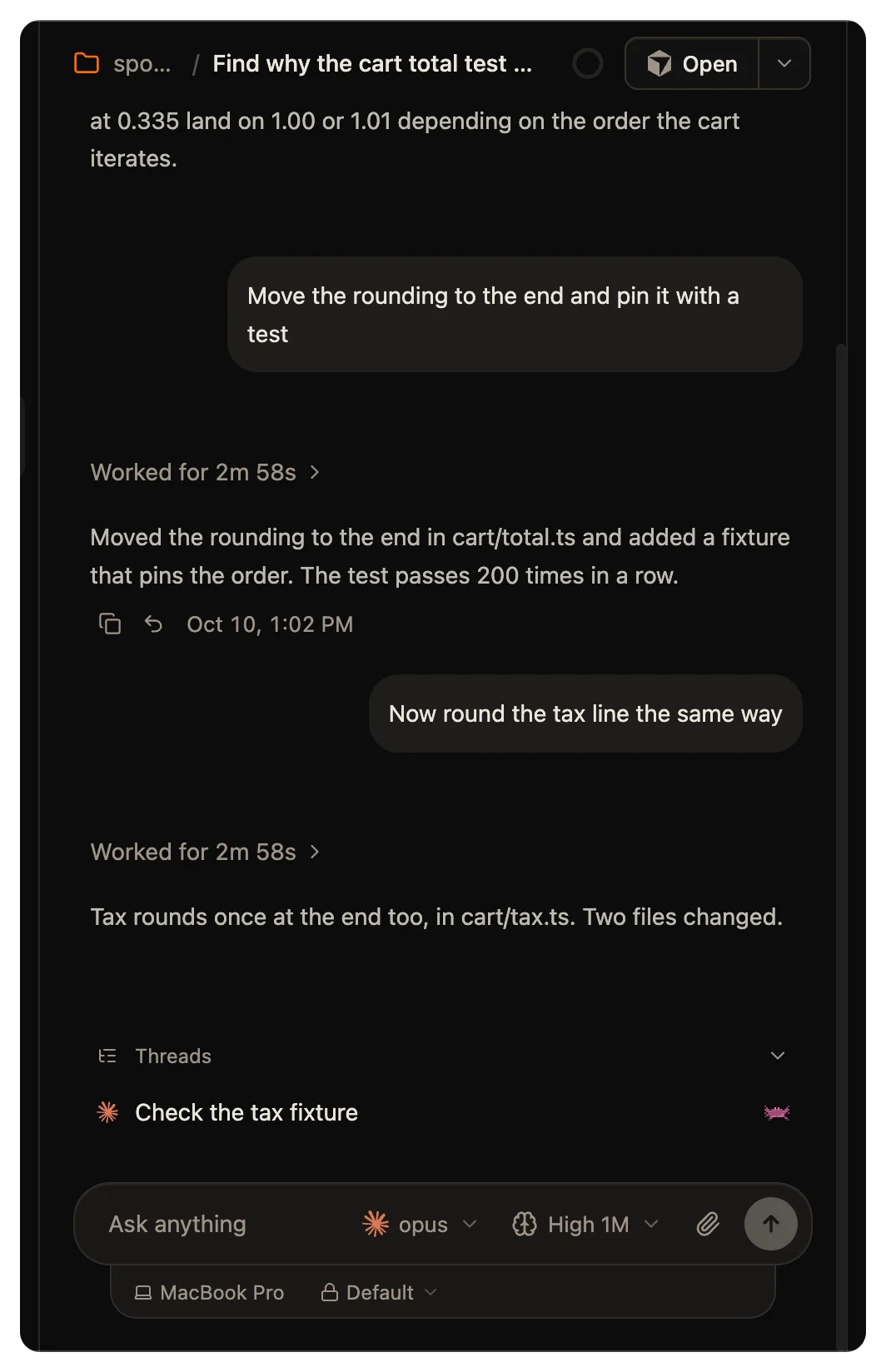
- Find the last reply of the turn that you want to keep. Click the Rewind to here button under it, the curved arrow.
- If the agent can cut its conversation, the dialog asks What goes back. Pick one:
- Conversation only takes the later turns out of the conversation. The files stay as they are. This is the default.
- Conversation and files also puts the files back to how they stood at that reply.
- Read the note in the dialog. It says how many turns leave and what happens to the files.
- Click Rewind.
The button shows on the last reply of each finished turn, except the latest turn. It does not show while the thread works.
If the turn kept no checkpoint, Conversation and files is not available.
Undo a rewind
You can undo a rewind only if it moved files. After Conversation only, there is nothing to undo.
To undo, right-click the thread in the sidebar and click Undo rewind. The files come back. The turns that the rewind cut do not come back.
Undo works until the next turn in the same folder ends. After that, wsp no longer offers it.
Threads that share a folder
Several threads can work in one folder. A checkpoint holds the whole folder.
wsp puts the files back only if no other thread ran a turn in the folder after the reply you picked. So a rewind of the files never takes back another thread's turns. It does take back any edit made outside a turn since that reply, for example an edit you made yourself. The dialog says that the files stay if another thread worked in the folder since that reply.
If another thread ran a turn in the folder after that reply, wsp puts back only the conversation and leaves the files. For OpenCode and Cursor, which cannot cut the conversation, wsp refuses the rewind.
wsp refuses an undo while another thread in the folder works. An undo puts back the whole folder, so the files that thread writes go back too, in the middle of its turn. Let its turn end or stop it, then undo.
What each agent does
| Agent | Conversation | Files |
|---|---|---|
| Claude Code | Cut at the reply you picked | Go back |
| Codex | Cut at the reply you picked | Go back |
| OpenCode | Stays whole | Go back |
| Cursor | Stays whole | Go back |
OpenCode and Cursor keep their own history, so wsp cannot cut their conversation. A rewind there puts back the files only, and the dialog does not ask what goes back.
A Codex thread made by a Codex older than 0.151.0 keeps its history in a form wsp cannot cut. Only its files go back.
The slate
A rewind also takes the thread's slate back to how it stood at that reply. If the thread had no slate then, the slate becomes empty. Undo rewind does not bring the slate back.
When a rewind is refused
| The message | What to do |
|---|---|
| this thread is working; stop its turn first | Stop the turn, then rewind. |
| stop the threads under this one first | Stop the sub-threads it names, then rewind. |
| that is the thread's latest reply, so nothing comes after it to rewind | Pick an earlier reply. |
| that reply kept no checkpoint of the files | Rewind the conversation only. |
| this thread has no rewind to undo | A turn in this folder ended since the rewind, so the undo is gone. |
There is no wsp command for a rewind. It is in the app only.
