Files
The Files pane shows the files in the thread's folder, read on the computer the thread runs on. You can browse the tree, read a file, find a file by name and search the files for a word. The pane only reads. To change a file, use your editor or the Changes pane.
To open it, click Add a panel, the + at the top of the right panel, and pick Files. If the right panel is empty, it has no +. Click the pane in the list the empty panel shows instead. In that menu or that list, F picks it too. The pane opens only while the thread's computer is on.
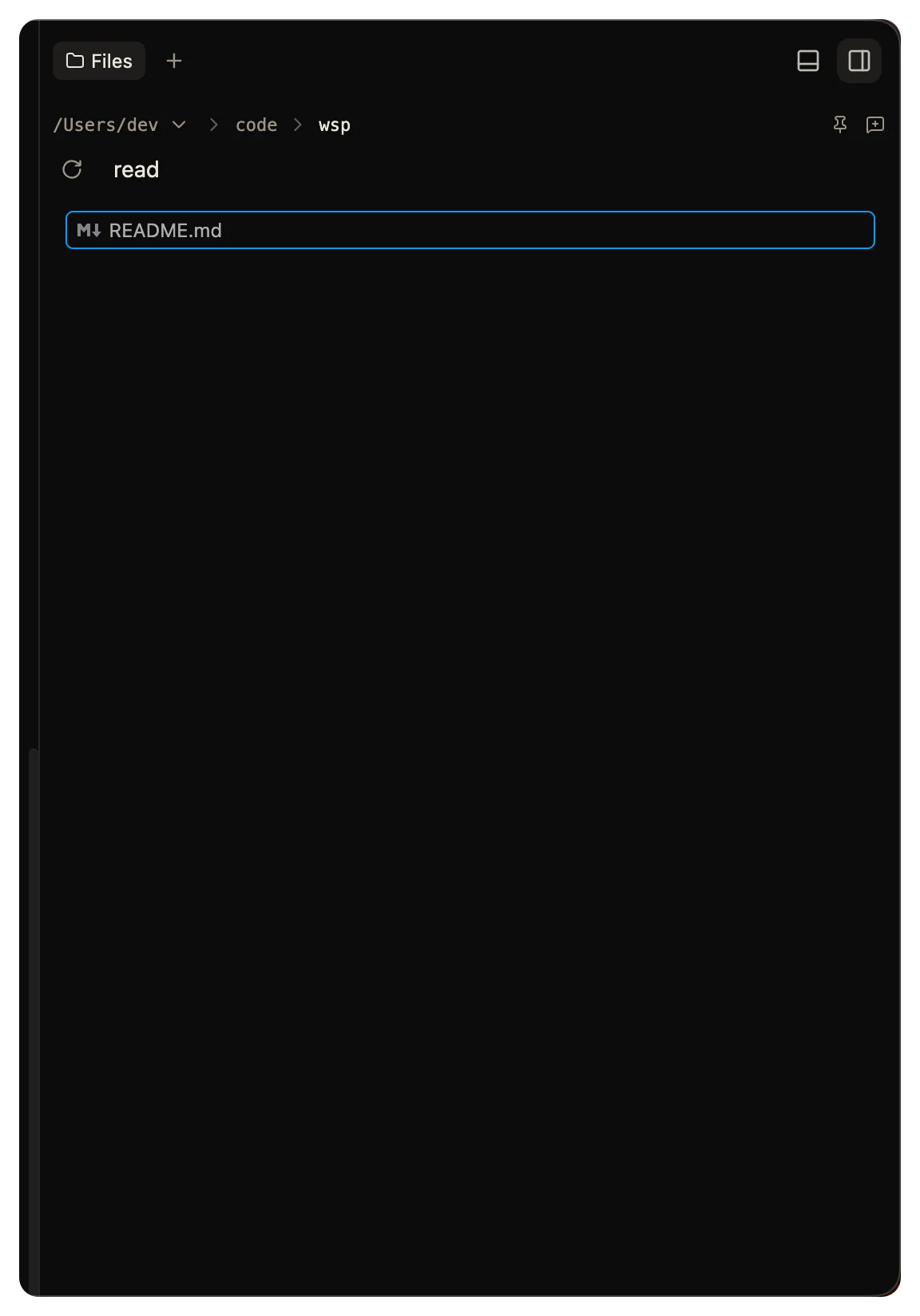
Browse the tree
The tree starts at the folder the thread works in, and it follows the agent when it moves to another folder. To keep the tree on one folder, click the pin, Stay in this folder.
- Type in Search files at the top of the tree to filter it by name.
- Click Refresh files to read the folder again.
- Click New thread in this folder to start a thread there.
Right-click a file for Open file, Show in Changes and Copy path.
Read a file
Click a file to open it as a tab of its own. Code shows with syntax colors. A Markdown file shows rendered. Click Show markdown source to see the text, and Show rendered markdown to go back. Click Reload file to read it again.
wsp reads at most 2 MB of a file. A bigger file shows its first 2 MB and says so. A binary file, an image too, shows its size and no preview.
To open the file in your own editor, click Open in editor. See Open in your editor.
A file path in the terminal opens here too. Cmd-click it on a Mac, or Ctrl-click it elsewhere, and the file opens at its line.
Find a file
Press mod+p and type part of the name. The letters you type must come in order in the path, but they do not have to be next to each other. Pick a file to open it.
Find a file shows at most 5,000 files, and it stops after 5 seconds. If more match, it asks you to type more of the name.
Search in files
Press mod+shift+f and type a word. The search finds every line that holds the word, in any case. Pick a line to open the file at that line.
Search in files stops when one of these happens, and asks you to type more of the word:
- It found 500 lines.
- It read 256 MB of files.
- It ran for 5 seconds.
What both searches skip
Both searches run on the thread's computer. Both skip the files that .gitignore and .ignore name, and hidden files and folders, such as a dotfile. Search in files also skips files over 2 MB and binary files.
Both searches need a thread whose computer is on. In both, mod is Cmd on a Mac and Ctrl elsewhere. On a computer that is not a Mac, Ctrl+p goes to the terminal while the terminal has focus, so click outside the terminal first.
