The terminal
The terminal opens a shell on the computer a thread runs on, in the thread's folder. It draws with your own Ghostty config: your font, your colors and your cursor.
The terminal is Ghostty's own terminal code, compiled to WebAssembly so that it runs in the app's window.
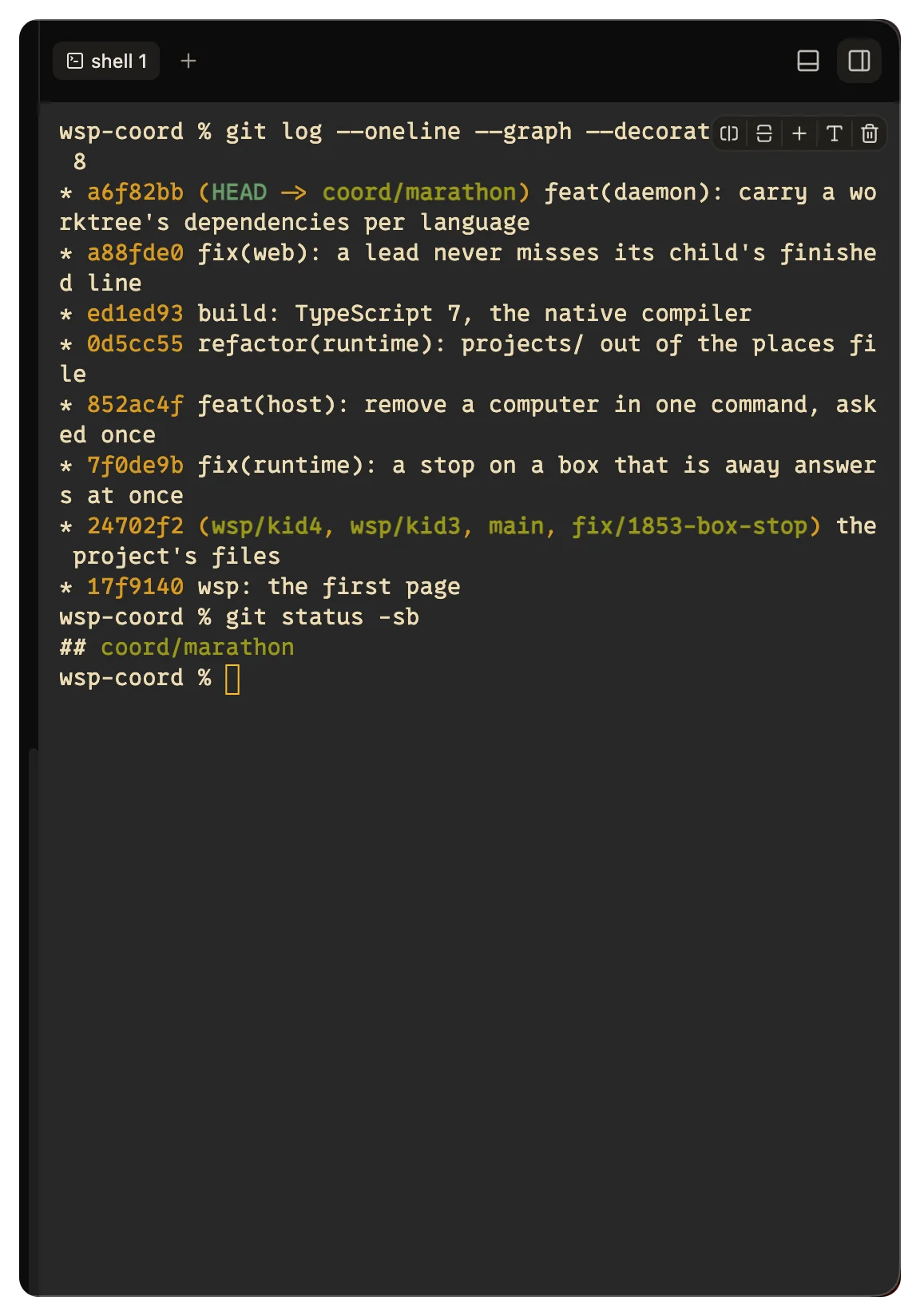
Open a terminal
There are two places for a terminal:
- The drawer under the thread. Press
mod+jto open or close it. - The right panel. Click Add a panel, the + at the top of the right panel, and pick Terminal. If the right panel is empty, it has no +. Click the pane in the list the empty panel shows instead. In that menu or that list,
Tpicks it too.
With no thread open, the drawer opens a shell on the computer you sit at, in your home folder.
The shell is your login shell on that computer, and TERM is xterm-256color. A command that opens a web page, for example a sign-in, opens it on the computer you sit at.
Tabs and splits
While a terminal has focus:
| Chord | What it does |
|---|---|
mod+d | Split the terminal. On a Mac only. |
mod+n | Open a new terminal. On a Mac only. |
mod+= | Zoom in. |
mod+- | Zoom out. |
mod+0 | Reset the zoom. |
Off a Mac, Ctrl+D and Ctrl+N go to the shell. Ctrl+D ends the input, which can close the shell. To split or open a terminal there, use the right-click menu.
A group holds up to 4 terminals, stacked or side by side. The zoom changes the terminal only, not the window, and wsp keeps it for each thread's folder.
Right-click in a terminal for Copy, Add to chat, Paste, Clear, the two splits, New terminal and Close terminal. Add to chat puts the selected text into the composer.
mod is Cmd on a Mac and Ctrl elsewhere. You can change these chords in Settings > Keybindings. See Keyboard shortcuts.
Keys the terminal keeps
On a Mac, the app's Cmd chords work everywhere, the terminal included.
On Linux and in a browser on another system, mod is Ctrl, and a shell needs many Ctrl keys. So while a terminal has focus, it keeps most Ctrl chords for itself. For example, Ctrl+b is the prefix of tmux, Ctrl+k deletes to the end of the line, and Ctrl+p walks the shell's history. In a terminal, open the sidebar with Ctrl+Shift+b and the palette with Ctrl+Shift+p.
Copy, paste and links
| On a Mac | Elsewhere | |
|---|---|---|
| Copy the selection | Cmd+C | Ctrl+C or Ctrl+Shift+C |
| Paste | Cmd+V | Ctrl+Shift+V or Shift+Insert |
| Open a link or a path | Cmd-click | Ctrl-click |
Ctrl+C copies only while text is selected. Without a selection, it goes to the shell as an interrupt.
A web address opens in your browser. A file path opens in the Files pane, at its line.
Scrollback, reloads and restarts
The terminal keeps 10,000 lines that you can scroll back through. The shell runs in the daemon on the thread's computer, not in the window. If you reload the app, the shells come back as tabs, with their last 256 KB of output.
If the daemon on that computer restarts, its shells end. The pane says so. A shell that ends prints [process exited].
Your Ghostty config
wsp reads the Ghostty config on the computer that runs wsp, and draws every terminal with it, on every computer. It reads these files, and a later file wins:
~/.config/ghostty/config.ghostty, then~/.config/ghostty/config. IfXDG_CONFIG_HOMEis set, wsp reads itsghosttyfolder in place of~/.config/ghostty.- On a Mac, also
~/Library/Application Support/com.mitchellh.ghostty/config.ghostty, thenconfigin the same folder.
wsp follows config-file lines and resolves theme, a light and dark pair too. It picks the side that matches the app's theme. Your own lines win over the theme's.
wsp reads these keys, and leaves the rest:
| Key | Notes |
|---|---|
font-family | Repeat it for fallback fonts. |
font-size | Read and shown by wsp terminal config. The pane draws it only when the terminal's size setting is the file's. That setting is the app's size by default, and the app has no control to change it. |
background, foreground, selection-background, cursor-color | Six-digit hex colors. |
palette | Colors 0 to 15. |
cursor-style, cursor-style-blink | block, bar, underline or block_hollow. |
window-padding-x, window-padding-y | |
background-opacity | From 0 to 1. |
background-blur, background-blur-radius | Read, but not drawn. |
Without a Ghostty config, the terminal uses its own defaults.
To see what wsp read, run:
wsp terminal config
It prints the files it read, then one key = value line for each key it took. Pass --scheme light or --scheme dark to pick the side of a light and dark theme.
Pick another font
To use another font than your Ghostty font, click Terminal font in the drawer. Type the name of a font installed on this computer. Leave it empty to go back to your Ghostty font. Icons that a font lacks come from a symbols font that wsp brings.
